STEM & Learning

8 Best Kids Tablet of 2026: Prioritize Warranty Over Hype

Find the kids tablet that survives drops, holds a charge, and doesn't slow down—without overpaying for fake specs.

Buying a kids tablet often means choosing between a sturdy Amazon model and a cheap Android with inflated specs. Many parents discover too late that their budget tablet refuses to charge after a few months. This guide helps you pick a tablet that actually works for years.

The real differentiator isn't the RAM number on the box. It's the warranty, the screen size, and real-world battery life. We've sorted through the options to highlight which tablets keep up with daily use and which ones are better left on the shelf.

Whether you need a rugged first tablet for a toddler or a slim device for a school-age child, the right choice comes down to matching the tablet's actual strengths to your child's routine.

#1

Evermyth Kids Tablet
Evermyth Kids Tablet

Early adopters

Doodle Score 9.6/10
Check Price

Worth Noting

  • Speaker quality can sound tinny, reducing clarity for dialogue-heavy content
Screen
10" 1280x800 IPS
Battery Life
Durability / Case
Durable case with stand
Read the full review

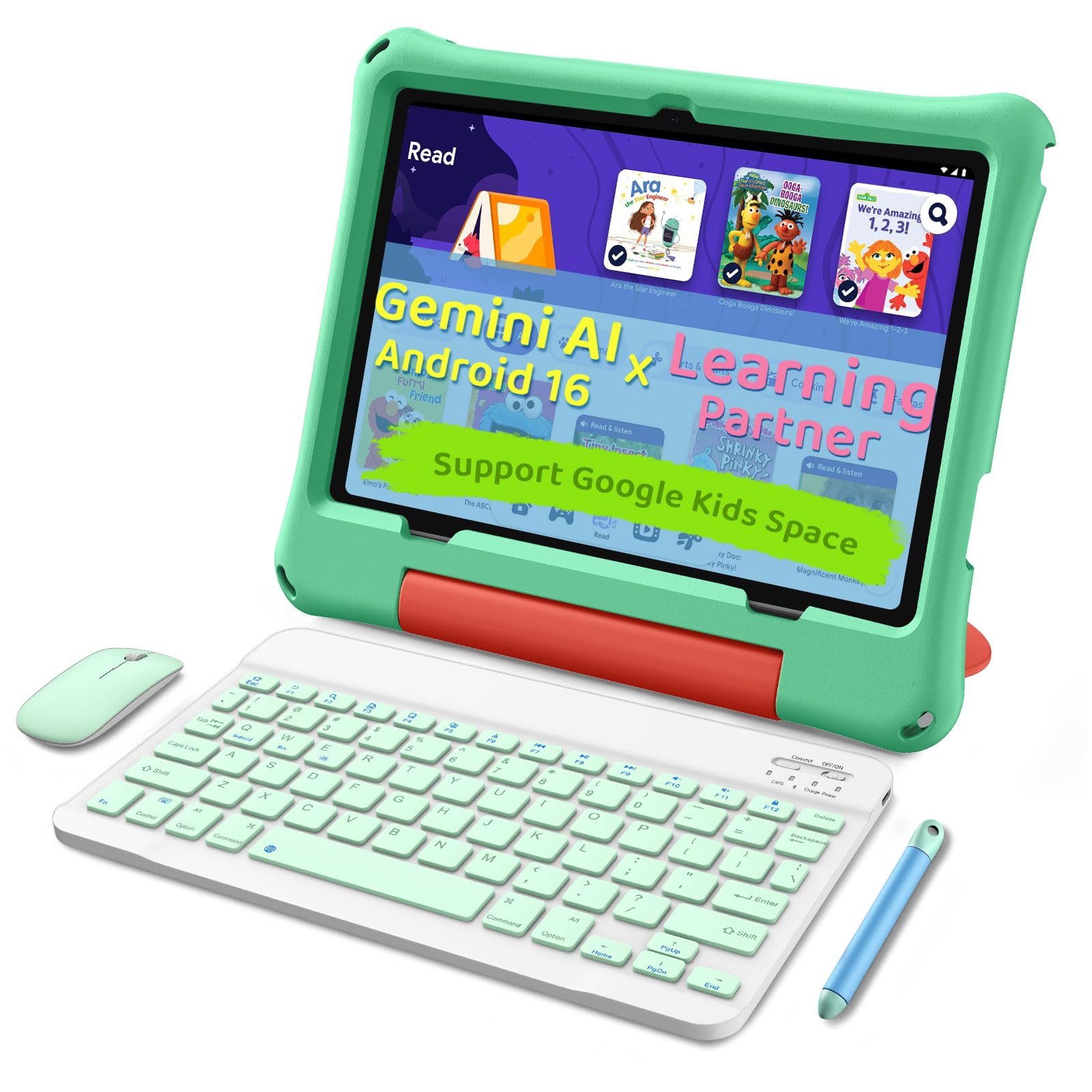
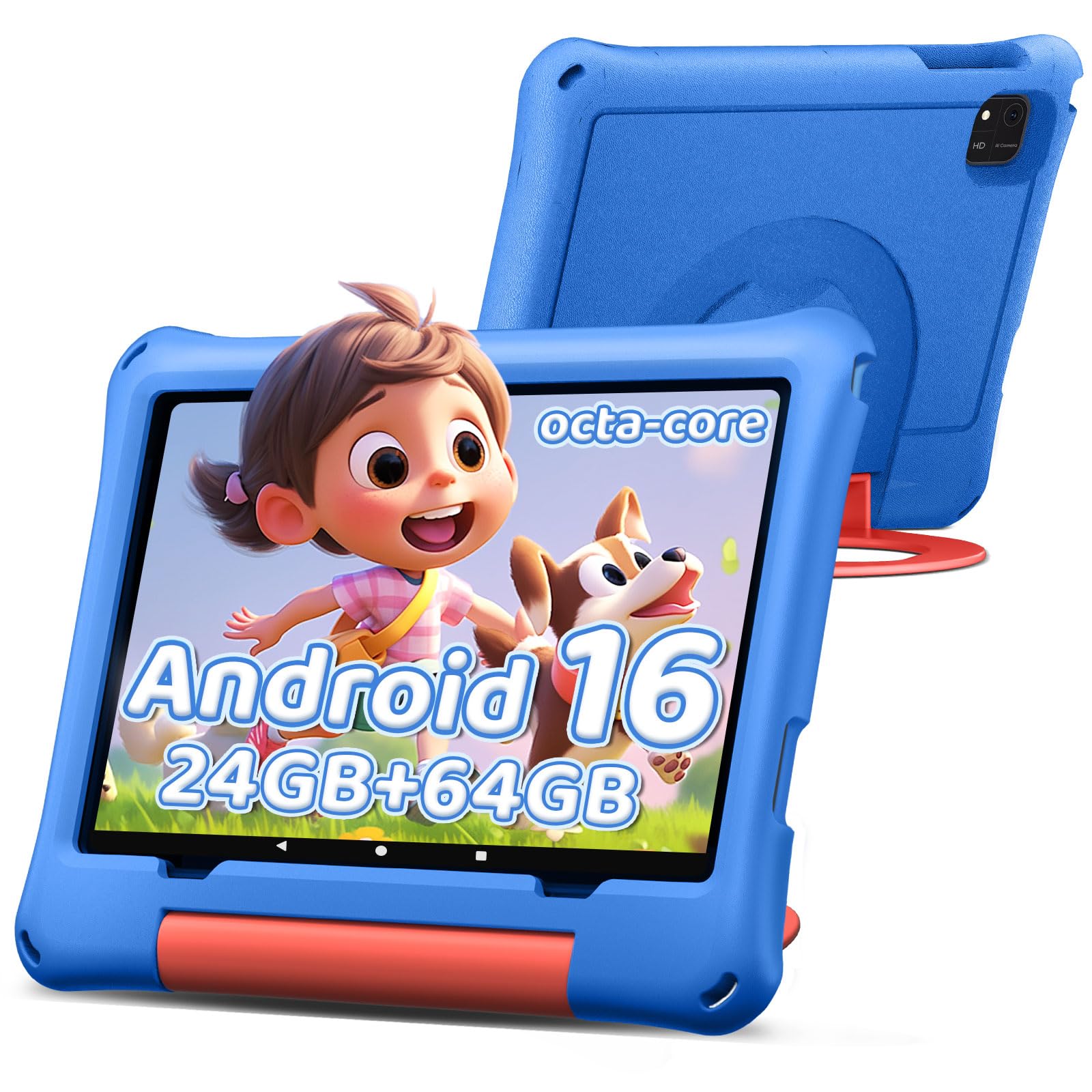
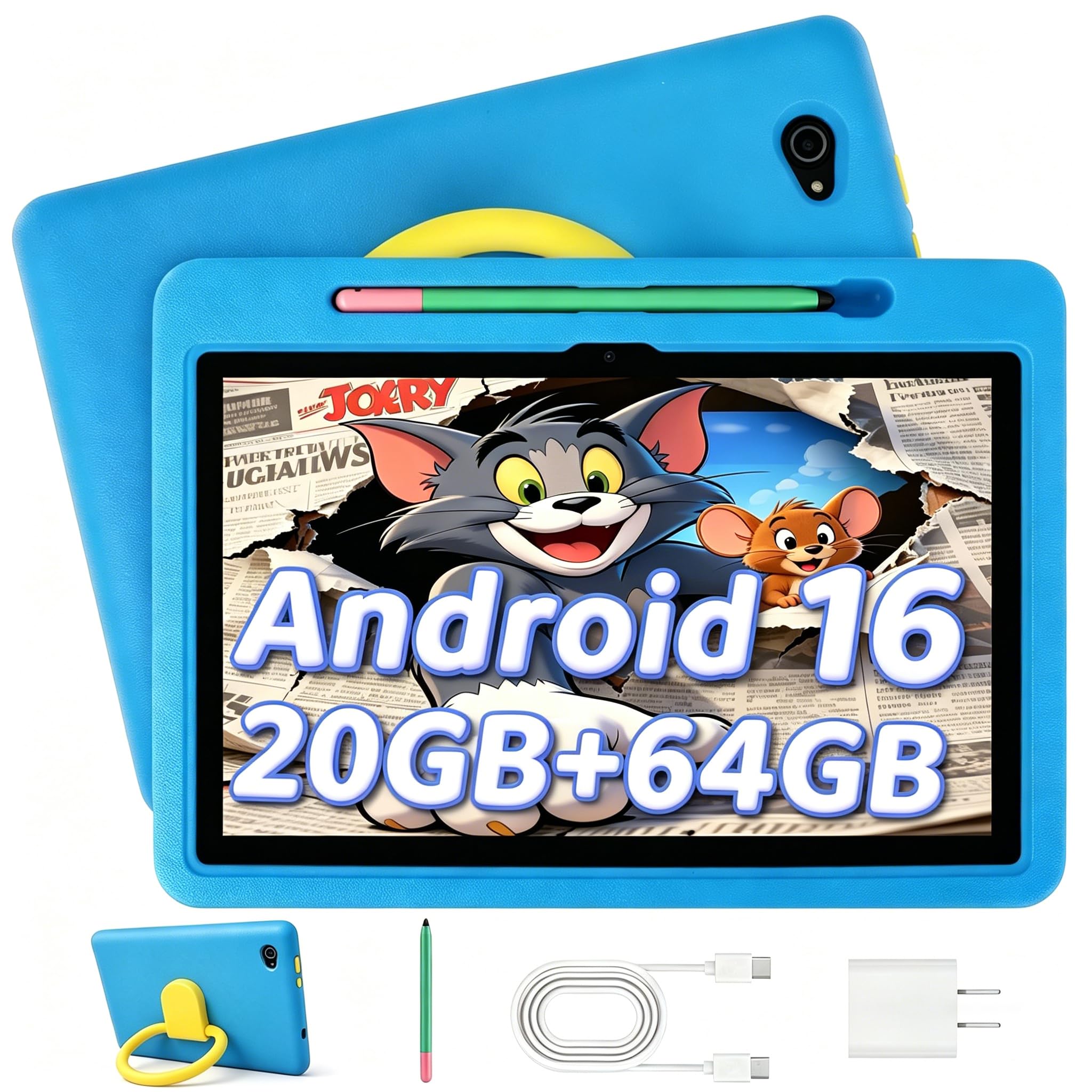
The Evermyth Kids Tablet lands with a promising spec sheet: Android 16, 20GB RAM (virtual), 64GB storage expandable to 1TB, and a 6000mAh battery – all wrapped in a durable case with a built-in stand and stylus. Early buyers highlight the easy setup and surprising smoothness for the price. However, with a limited sales history, long-term reliability under regular kid use remains an open question. The speaker output can sound tinny, which may matter for content with dialogue. This tablet is best suited for families willing to accept some uncertainty in exchange for its current low entry price.

Bottom line: This tablet fits families who want a low-cost, storage-rich option and are comfortable with some long-term uncertainty – if heavy use reveals issues, expect to replace rather than repair.

#2

Amazon Fire HD 10 Kids

Amazon Fire HD 10 Kids

Ages 3-7 worry-free

Doodle Score 9.2/10
Check Price

Worth Noting

  • Screen may crack after repeated drops despite the included case
  • Battery life can drain faster than advertised under heavy use
  • Some units may experience unexpected shutdowns or app crashes
Screen
10.1" 1080p Full HD
Battery Life
Up to 13 hours
Durability / Case
2-year replacement, kid case
Read the full review

The Fire HD 10 Kids distinguishes itself with a 10.1-inch 1080p Full HD display — the largest screen in its price bracket among dedicated kids' tablets — paired with a 2-year worry-free replacement guarantee that covers accidental damage and defects. The 3GB RAM keeps the interface responsive for typical activities like puzzle games, interactive books, and video streaming, while the quad-core processor handles Amazon Kids+ content smoothly. Graphics-heavy third-party games may cause slowdown, but that falls outside the intended use for ages 3-7.

Battery life under standard use reaches the advertised 13 hours, making it suitable for a full day of moderate play. With continuous video streaming or demanding apps, battery life drops to around 8-10 hours — a limitation for long trips without access to a charger. The included bumper case adds substantial drop protection, but the screen remains vulnerable to cracking if the tablet lands on a sharp edge. Adding a tempered glass screen protector reduces that risk.

The tablet comes preloaded with a one-year Amazon Kids+ subscription ($48 value), offering thousands of ad-free books, movies, and games curated for children ages 3-7. Parental controls allow time limits and content filtering, though switching between adult and kid profiles can feel cluttered initially. Some units have experienced random reboots or app crashes — the warranty covers full replacement if such issues arise, providing peace of mind for a child's daily driver.

This tablet fits best in households already using Amazon services, as the ecosystem integration with Alexa, Prime Video, and Audible is seamless. For families outside the ecosystem, setup requires creating an account, but the value of the included subscription and warranty offsets that friction. Parents of children 8 and older will find the case too bulky and performance limiting for school apps — a slimmer model like the Fire HD 8 Kids is a better match.

Tip: Activate the 2-year warranty immediately and consider a screen protector for added drop protection — the included case is protective but not bulletproof.

Bottom line: The Fire HD 10 Kids delivers a large, clear screen and a strong warranty at a budget-friendly price — the right pick for parents who want a dedicated kids' tablet with minimal risk.

#3

Amazon Fire HD 10 Pro

Amazon Fire HD 10 Pro

Ages 6-12 slim case

Doodle Score 9.2/10
Check Price

Worth Noting

  • Battery drain can be faster than advertised under heavy use, and some units have charging hiccups
  • Slim case offers less drop protection than bulkier models, so screen damage is possible from falls
  • A portion of units become inoperable within months; the 2-year replacement warranty is a necessary safeguard
Screen
10.1" HD
Battery Life
Up to 13 hours
Durability / Case
Slim kid-proof case
Read the full review

Where the standard Fire HD 10 Kids wraps its screen in a chunky bumper, the Kids Pro swaps that for a slimmer case and older-kid styling. The 10.1-inch display and same 13-hour battery rating remain, but the emphasis shifts to content and controls suited for school-age children rather than toddlers.

This tablet targets parents whose 6-to-12-year-old has outgrown brightly colored bumpers and wants something that looks more like a grown-up device. The tradeoff is real: the slim case absorbs less impact, so drops onto hard floors can result in a cracked screen. Kids who are generally careful or use the tablet mainly on a desk will be fine; for rough-and-tumble use, the standard Kids model offers more protection.

Tip: For extended use away from a charger, plan a midday top-up – heavy gaming accelerates battery drain.

Bottom line: Parents of children aged 6–12 who want a non-toy look and age-appropriate content will appreciate this tablet – just keep in mind the slimmer case means it is less forgiving of rough drops.

#4

Urao Kids Tablet

Urao Kids Tablet

Budget ages 3-12

Doodle Score 9.2/10
Check Price

Worth Noting

  • Under heavy use, battery life may fall short of the 6-hour claim.
  • Occasional app stability issues can occur in some units.
Screen
10" 1280x800 IPS
Battery Life
6 hours claimed
Durability / Case
Included shockproof case
Read the full review

The Urao Kids Tablet offers a rare combination in the budget space: modern Android 16, 64GB of storage, and a snappy interface for under $90. Unlike Amazon's Fire Kids line, which locks you into its own app store and subscription service, this tablet runs full Android — meaning access to the Google Play Store and any parental control app of your choice. The included shockproof case with stand adds durability, though it is not as thick as Amazon's rugged cases.

This tablet suits budget-conscious parents who want a capable device for children ages 3–12 and prefer an open ecosystem where they can curate their own content and controls. Under heavy use — think streaming video and gaming — battery life may not reach the advertised 6 hours, so it is best suited for shorter sessions or with a charger nearby. The brand's track record is short, so long-term durability under daily abuse is less certain than with Amazon's robust replacement guarantee.

In daily use, the tablet handles apps and videos without noticeable lag. The 10-inch IPS screen is bright enough for indoor play, and kids find the interface simple to navigate. Setup out of the box is quick, and the included case protects against drops from table height. Performance meets expectations for a budget tablet, though occasional app stability hiccups have been noted — these are not disruptive for most users.

Tip: Plug it in for extended streaming sessions – heavy use drains the battery faster than the advertised 6 hours.

Bottom line: For parents comfortable setting up their own parental controls and who prioritize an open Android experience over a bundled subscription, the Urao Kids Tablet delivers solid performance and storage at a budget-friendly price.

#5

aiprotablet 30GB Bundle

aiprotablet 30GB Bundle

Creative bundle with accessories

Doodle Score 9.2/10
Check Price

Worth Noting

  • Advertised 30GB RAM includes 24GB virtual memory, so real multitasking capacity is lower than the spec implies.
Screen
10.1" 1280x800 IPS
Battery Life
8 hours claimed
Durability / Case
Included case with stand
Read the full review

The aiprotablet bundle pairs a 10-inch tablet with a keyboard, mouse, and stylus — a complete creative setup that turns the device into a mini laptop for kids. Early user experiences report smooth performance for games and multitasking, without noticeable lag.

This bundle suits families who want a ready-to-use creative kit and are open to trying a newer brand that has yet to demonstrate long-term durability. The included accessories work well out of the box, and the tablet is easy to set up. Battery life holds up through long car rides and charges quickly.

The 10.1-inch screen offers adequate resolution for kids’ apps and videos. The advertised 30GB RAM includes 24GB of virtual memory, so real multitasking capacity is lower than the spec suggests — a point to keep in mind when comparing specs with other Android tablets.

Tip: To extend the tablet’s life, consider a durable case and screen protector for everyday handling.

Bottom line: For families who want a complete creative toolkit and are comfortable with a newer brand, this bundle delivers impressive immediate value — just budget for a possible replacement if the tablet sees daily use over several years.

#6

Amazon Fire HD 8 Kids

Amazon Fire HD 8 Kids

Portable long battery

Doodle Score 9.2/10
Check Price

Worth Noting

  • Long-term performance may degrade, with occasional shutdowns possible after months of use
  • Setup and profile switching can be confusing for adults
Screen
8" HD
Battery Life
Up to 13 hours
Durability / Case
2-year replacement, kid case
Read the full review

With an 8-inch screen and a 13-hour battery, the Fire HD 8 Kids is built for small hands and long days away from a charger. It’s more portable than the larger Fire HD 10 Kids, making it easier for toddlers to carry and hold. The included bumper case handles drops from table height, and the display holds up well against bumps.

This tablet suits parents who want a compact device that fits in a diaper bag and lasts through car rides or outings. The sturdy case and 2-year worry-free replacement address typical toddler wear-and-tear. However, it costs more than the 10-inch model, so buyers who prioritize screen real estate may find the larger version a better value.

Setup can be confusing for some adults, especially when switching between profiles or configuring content limits. Occasional long-term performance issues — like random shutdowns after months of use — have been noted; the replacement warranty covers these cases. For families who need a go-anywhere tablet with solid battery life, the tradeoffs are manageable within the intended use case.

Tip: Enroll in the 2-year warranty upon purchase to cover any possible hardware issues down the line.

Bottom line: A focused choice for parents who need a portable, durable tablet for small hands — but the larger model offers more screen for less money.

#7

aiprotablet 24GB

aiprotablet 24GB

Backup device

Doodle Score 8.6/10
Check Price

Worth Noting

  • Performance can feel sluggish when running multiple apps
  • Battery life and charging reliability may be inconsistent, with some units having issues
Screen
10" 1280x800 IPS
Battery Life
6 hours claimed
Durability / Case
Read the full review

The aiprotablet 10-inch tablet delivers good build quality and a kid-friendly interface at a low price point, with 24GB RAM (including virtual) and expandable storage. However, performance can lag under heavier use, and some units have exhibited charging issues or battery drain that shorten usable time. These reliability concerns make it a better fit as a backup tablet for occasional supervised play, not as a main device for daily learning. Families needing a durable, dependable kids tablet should look at options with robust warranties.

Bottom line: This tablet suits buyers who need an inexpensive backup for occasional use, but families relying on a tablet for daily education should consider more reliable alternatives.

#8

COLORROOM Kids Tablet

COLORROOM Kids Tablet

Ultra-budget

Doodle Score 8.6/10
Check Price

Worth Noting

  • Screen may crack from drops despite the included case
  • Some units can stop charging or exhibit battery drain within a few months
Screen
10.1" 1280x800 IPS
Battery Life
8-12 hours claimed
Durability / Case
Included EVA case
Read the full review

The COLORROOM tablet is the lowest-priced option in this roundup, making it accessible for budget-conscious families. It comes with a simple interface, preloaded educational apps, and an EVA case that provides basic protection for young children.

However, the trade-offs for this low price are significant. Some units may develop charging or battery problems within months, and the screen can crack from drops the case doesn't fully absorb. Performance can lag with more demanding apps. This tablet works best as a supervised secondary device for short sessions, not as a child's main tablet.

Tip: Keep it plugged in overnight — the battery's capacity can vary, and charging issues appear over time.

Bottom line: If your budget is extremely tight and you plan to supervise every use, the COLORROOM offers the lowest entry cost — but be prepared for possible early issues.

How to Choose

Screen Size and Quality

A larger screen (10 inches or more) makes reading and video watching easier, but it also adds weight. Smaller tablets (7-8 inches) are easier for toddlers to hold and carry but can strain eyes during long use.

Resolution matters: 1080p (Full HD) is noticeably sharper than 720p (HD) for apps and games. IPS panels offer better viewing angles when two kids share the screen.

Battery Life (Real-World vs Claimed)

Manufacturers often quote battery life under ideal conditions: low brightness, simple apps, and Wi-Fi off. Real-world use—streaming video, interactive games—cuts that by 30-50%.

Lithium-ion batteries degrade with charge cycles. A tablet that lasts 13 hours new may drop to 8-9 hours after a year of daily charging. Look for models with replaceable batteries or long warranty coverage.

Parental Control Depth and Ease

Amazon's Fire Kids line includes a dedicated dashboard accessible from a parent's phone. You can set time limits, filter content by age, and approve or block apps remotely.

Generic Android tablets often rely on third-party apps that lack seamless integration. Some require separate accounts per child and may not block in-app purchases effectively. Test the interface before relying on it.

Durability / Included Case

A thick, rubberized case absorbs drops but adds bulk. Slimmer cases (like on the Fire HD 10 Pro) look mature but offer less shock absorption. Screen protectors are recommended even with a case.

The best protection is a 2-year no-questions-asked replacement policy. It covers accidental drops and defects, eliminating the cost of a new unit if the screen cracks.

Performance Speed

Tablets with 2GB of real RAM or less struggle with multitasking and modern games. Budget models often advertise 20GB or 30GB RAM, but that includes virtual memory borrowed from storage, which is much slower.

A tablet with a recent processor (e.g., quad-core 2.0GHz) and at least 3GB of real RAM handles YouTube Kids, educational apps, and simple games without stuttering. Avoid anything with less than 2GB real RAM.

Frequently Asked Questions