STEM & Learning

5 Best Plug & Play Video Game for Kids 2026: Match Age & Activity

Find the right plug and play video game for your child's age and activity style, from active motion play to simple educational titles.

Plug-and-play consoles promise instant TV gaming for kids, but the reality often involves hidden subscription costs or motion tracking that frustrates more than it entertains. The trick isn't just finding a console — it's matching the type of play to your child's age and energy level.

Some systems excel at getting the whole family moving with no handheld controllers, while others focus on simple educational buttons for toddlers. The choice between active motion play and traditional button-based gameplay determines whether the console becomes a daily favorite or a shelf ornament.

#1

Nex Playground

Nex Playground

Active families

Doodle Score 9.4/10
Check Price

Worth Noting

  • For households that prefer a one-time purchase, the full game library requires a Play Pass subscription on top of the premium hardware cost.
Age & Focus
5+, active
Controller Type
Motion (no controller)
Preloaded Games
5 + Play Pass
Setup Simplicity
HDMI, no assembly
Read the full review

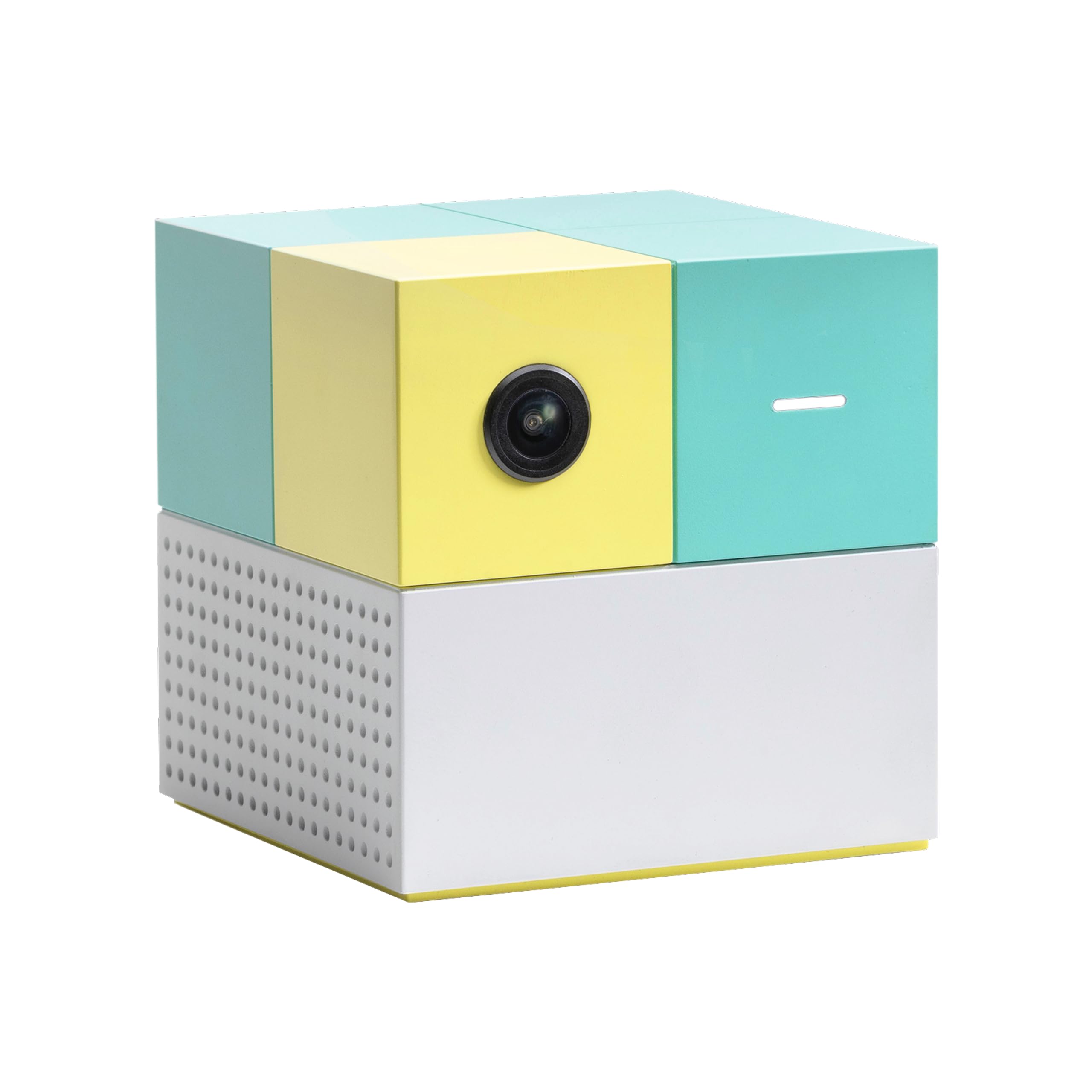
The Nex Playground uses overhead camera motion tracking that accurately captures movements of up to four players without any handheld controllers. Games like dance-offs and obstacle courses keep kids moving, and the tracking handles group play without the lag common in camera-based systems.

This system suits families with children aged 5 and up who want an active alternative to traditional gaming. The Play Pass subscription unlocks the full library of over 100 games, so it fits households comfortable with ongoing costs rather than a one-time purchase. For toddlers or no-subscription educational play, simpler options exist, but for active family fun, this is a strong match.

Tip: The Play Pass subscription can be paid monthly or annually; the annual plan reduces the effective monthly cost.

Bottom line: If your family values active, multi-player play and can accept a subscription, the Nex Playground delivers a unique experience no other plug-and-play console offers.
#2

Tiny Atari 2600

Tiny Atari 2600

Retro collectors

Doodle Score 9.2/10
Check Price

Worth Noting

  • Does not connect to a TV
Age & Focus
8+, retro
Controller Type
Joystick
Preloaded Games
10
Setup Simplicity
Read the full review

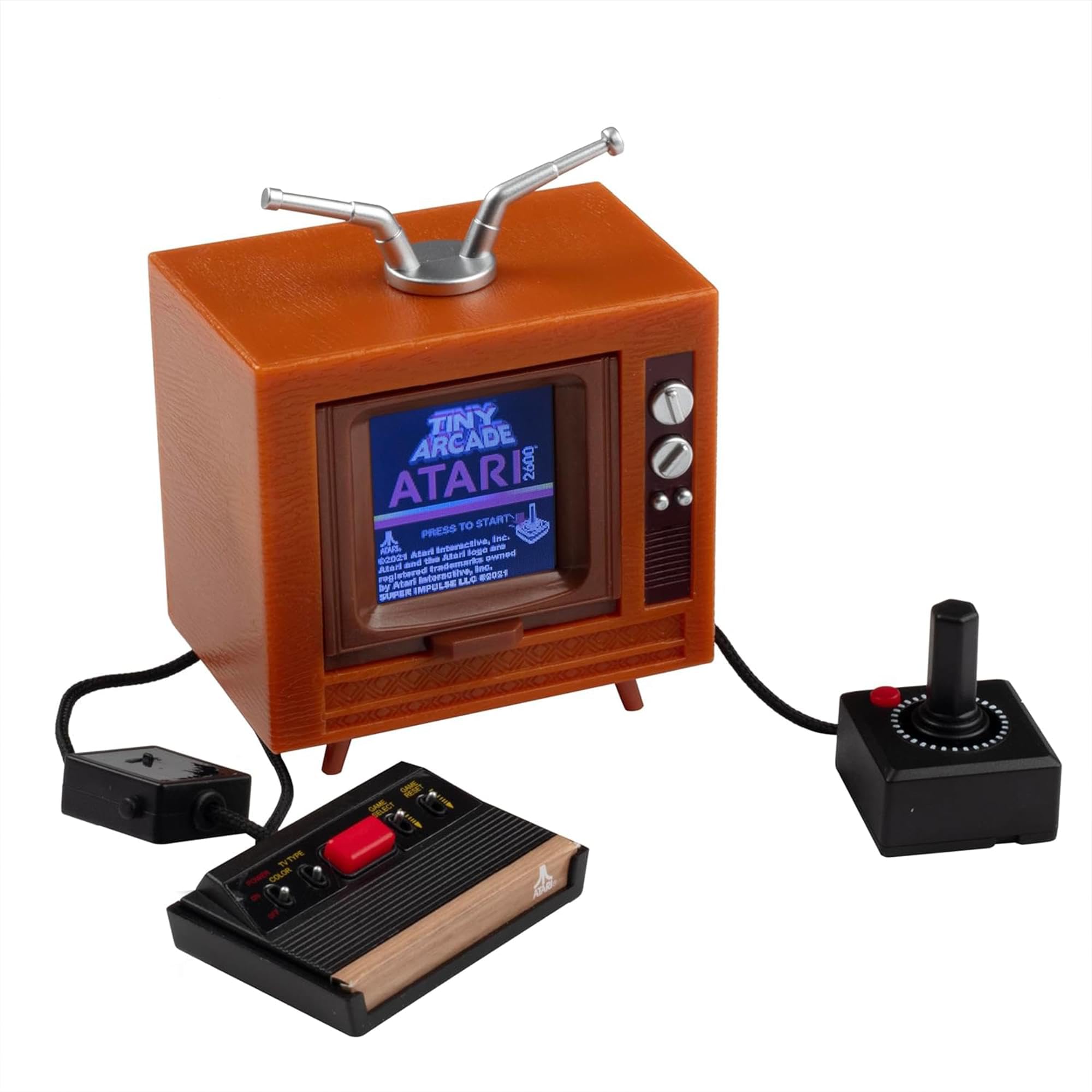
This tiny handheld captures the authentic look, feel, and sound of the Atari 2600 with 10 classic games built into a 1.5-inch screen. It makes a charming desk collectible for retro fans, but it is not a TV-connected console — it cannot plug into a television for family play.

Bottom line: Best for retro collectors who want a novelty desk display rather than a TV-connected game system for kids.

#3

LeapFrog LeapLand

LeapFrog LeapLand

Preschoolers

Doodle Score 9.0/10
Check Price

Worth Noting

Age & Focus
3+, educational
Controller Type
Wireless buttons
Preloaded Games
150+ items
Setup Simplicity
HDMI stick, no downloads
Read the full review

LeapFrog LeapLand delivers 150+ learning activities on a simple HDMI stick that a 3-year-old can operate independently. Unlike motion-based systems that require subscriptions or camera setup, this plug-and-play device has no ongoing costs and no downloads. Setup takes seconds — plug into an HDMI port, insert batteries, and the included wireless controller is ready. It targets families introducing toddlers to educational screen time. However, some controllers may stop responding early, so verifying the return policy is recommended.

Bottom line: LeapFrog LeapLand is the simplest educational TV game for toddlers who need zero subscriptions and can play independently.

#4

LeapFrog LeapMove

LeapFrog LeapMove

Educational motion

Doodle Score 8.0/10
Check Price

Worth Noting

  • Software may freeze or require recalibration during a session.
  • Motion tracking can fail to register movements without optimal lighting and camera placement.
Age & Focus
4-7, math/spelling
Controller Type
Motion (camera-based)
Preloaded Games
25
Setup Simplicity
HDMI + USB power
Read the full review

LeapFrog LeapMove packs 25 preloaded games focusing on math, spelling, and phonics, all controlled through camera-based motion that gets kids out of their seat. This works well for parents seeking educational screen time for ages 4-7, provided they can dedicate a well-lit, clutter-free play area. The motion tracking can miss movements if lighting isn’t even or if children move too quickly, and the software may occasionally freeze during play.

Tip: Position the camera at eye level and use even room lighting to reduce tracking misses.

Bottom line: A good fit for families who can tweak the play space for consistent tracking; otherwise, the simpler LeapLand stick is less finicky.

#5

Leyoutime 100+ Games

Leyoutime 100+ Games

Budget variety

Doodle Score 8.0/10
Check Price

Worth Noting

  • Unverified long-term durability
Age & Focus
3+, variety
Controller Type
2 wireless + gun
Preloaded Games
100+
Setup Simplicity
HDMI plug & play
Read the full review

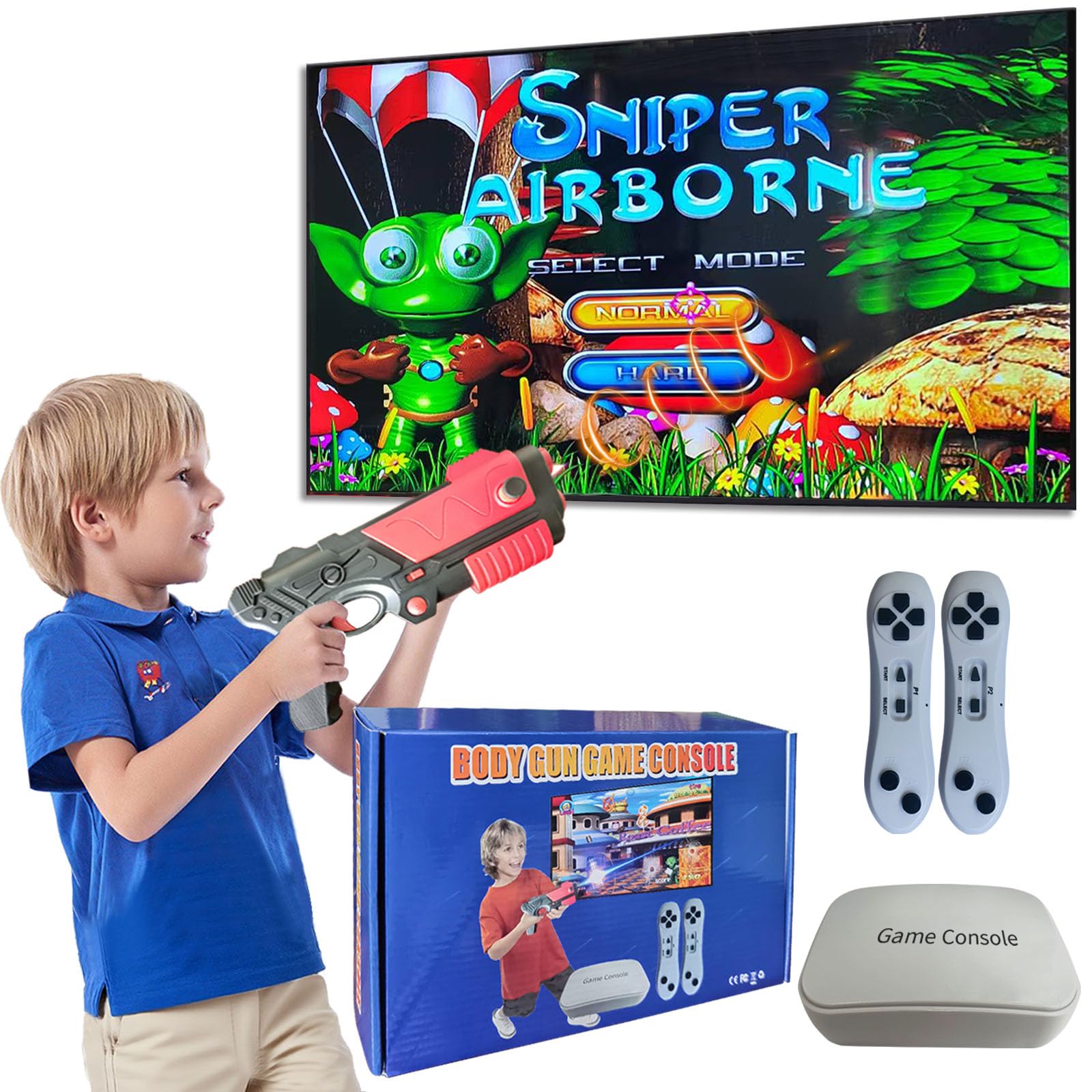
This console offers over 100 games, two motion controllers, and a light gun at a budget price. Limited user feedback leaves quality and durability unverified — a gamble for families wanting dependable long-term play.

Bottom line: This console fits best as a low-cost entry into TV gaming for families willing to accept uncertain longevity in exchange for immediate variety and a gun accessory.

How to Choose

Preloaded Games

More games sound better, but quantity often hides quality. Budget consoles pack 100+ titles that are mostly simple clones or light-gun shooters, while premium systems like Nex offer a small curated library with a subscription for the rest.

For preschoolers, 25-150 learning games from LeapFrog provide targeted educational value. A high game count means little if the kid outgrows them quickly or the controls frustrate.

Subscription Needed

A subscription can turn a $70 console into a $200+ yearly expense. Nex Playground requires a Play Pass to access its full library, which catches many parents off guard. LeapFrog products have no ongoing fees — you pay once and own everything.

If you budget carefully, the subscription model funds new games and updates. If you prefer a single purchase, skip any system that locks core content behind a paywall.

Controller Type

Motion-based systems (camera or wand) get kids off the couch, but they require good lighting and clear space. Camera tracking, like on LeapMove, can fail to register small movements, leading to frustration. Traditional button controllers work anywhere and are more reliable.

Nex uses a camera that tracks full body movement without any controller — accurate but needs a clear zone. For toddlers, a simple wireless button controller is far less frustrating than waving arms in the air.

Age & Educational Focus

Age ratings are a starting point, not a rule. Nex is for ages 5+ and works for older kids and adults. LeapLand targets ages 3+ with letter and number recognition. LeapMove claims 4-7 but its imprecise motion tracking can annoy 6-year-olds.

If you want educational content, LeapFrog is the only brand that delivers it reliably. Other consoles are pure entertainment — fine for play, but they won't reinforce school skills.

Setup Simplicity

All TV plug-and-play consoles use HDMI and power — the difference is in the details. LeapLand is an HDMI stick that plugs directly into the TV, no wires. Nex requires a separate camera unit that sits on or below the TV. LeapMove needs both HDMI and a USB power cable.

For a kid to use independently, a stick design with a simple controller is best. Camera-based systems need adult positioning of the sensor and clearing of the play area.

Frequently Asked Questions